
Discover
Find active people, curators, contributors and communities to follow on Ecency.
The Discover page helps you find people and communities worth following. Open it from Discover in the top menu, or go to ecency.com/discover.
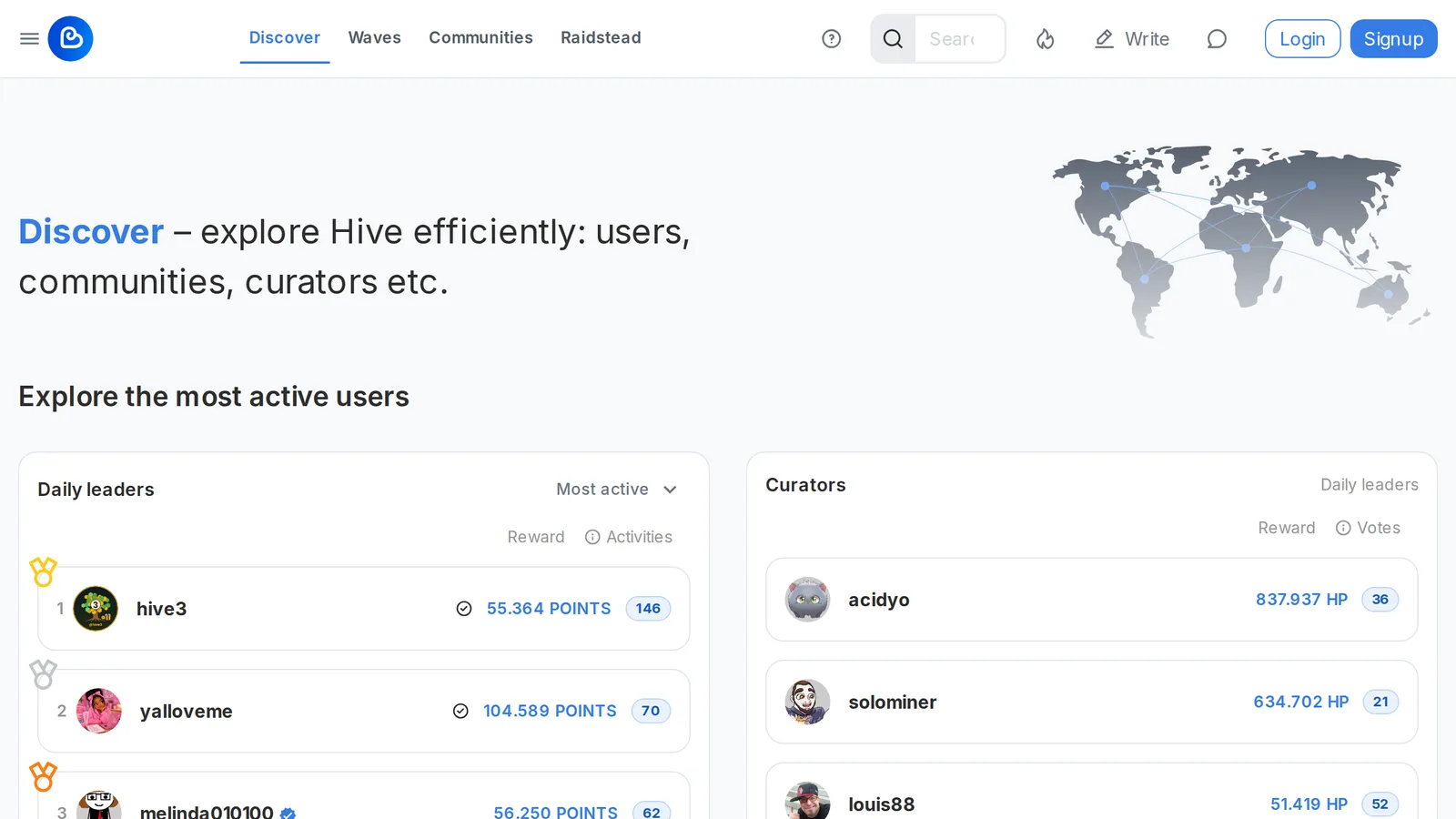
What’s on the Discover page
Section titled “What’s on the Discover page”Communities
Section titled “Communities”A selection of popular communities, with a link to Explore more communities that opens the full list at ecency.com/communities.
Leaderboard (most active)
Section titled “Leaderboard (most active)”The most active users for the period you pick: Daily, Weekly or Monthly. The ranking is based on activities, which counts the posts and comments a user made in that period. The list also shows each user’s rewards. On the daily list, a badge marks users who completed all their daily quests that day (UTC).
Curators
Section titled “Curators”The top curators for the same periods, with their curation rewards and the number of votes they cast.
Contributors
Section titled “Contributors”People who have contributed to Ecency through translation, ideas, development, design or spreading the word. If you’d like to help too, see Contribution.
Communities
Section titled “Communities”Communities are groups of people with a shared interest who post, discuss and support each other’s content. You can join as many communities as you like.
Find and join a community
Section titled “Find and join a community”- Open ecency.com/communities.
- Sort the list by Hot, Rank, Members or New, or search for a topic.
- Click Join on any community.
Learn more in Communities.
Publish in a community
Section titled “Publish in a community”When you write a post, choose where to publish it: your own blog or one of the communities you joined. The community ID becomes your first tag. Read the community’s rules before you post.
Leave a community
Section titled “Leave a community”Open the community and hover over the Joined button. It changes to Leave; click it. The community is removed from your list and its posts stop appearing in your Communities feed.