
Profile
Customize your Ecency profile and learn what each profile tab, Insights and the Likes trail show.
Your profile is your public page on Ecency, at ecency.com/@yourname. Your profile details are saved on the Hive blockchain, so they also show up on other Hive apps.
Edit your profile
Section titled “Edit your profile”On the web
Section titled “On the web”- Log in and open your profile.
- Choose Settings.
- In the Profile card, fill in the fields you want.
- Select Update.
The fields and their limits:
| Field | Limit |
|---|---|
| Display Name | Required, up to 30 characters |
| About | Up to 160 characters |
| Profile Image | A valid URL, up to 500 characters |
| Cover Image | A valid URL, up to 500 characters |
| Website | A valid URL, up to 100 characters |
| Location | Up to 30 characters |
For the profile and cover images you can paste a link or use the upload button next to the field.
Saving broadcasts an account_update2 operation signed with your posting authority, so you don’t need your active key. Pinned post settings stay as they were.
On mobile
Section titled “On mobile”Open your profile and use the edit option to reach the profile edit screen. For images you can choose a photo from your gallery or take one with the camera.
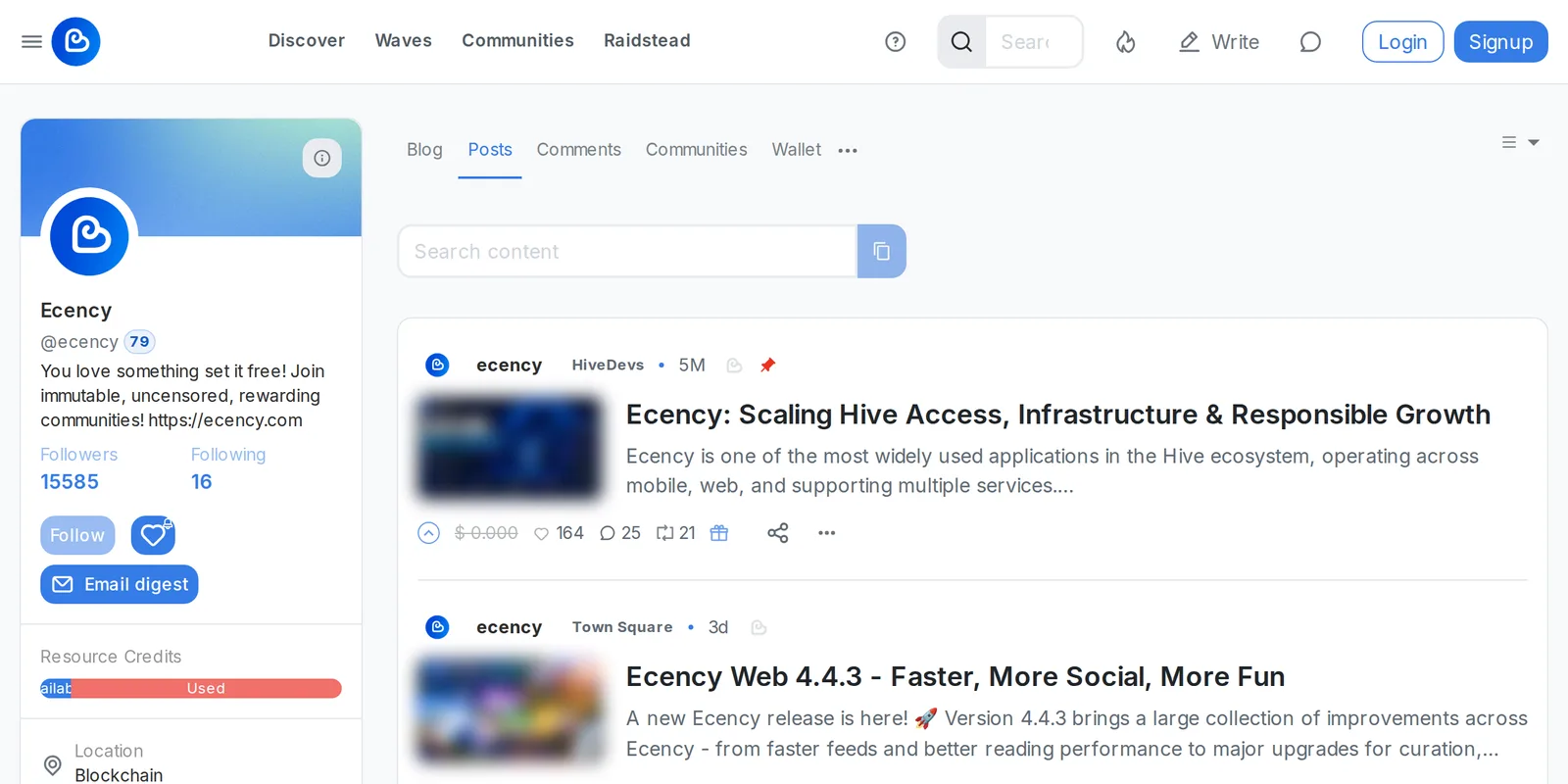
Profile tabs
Section titled “Profile tabs”Every profile has these main tabs:
- Blog: the user’s posts and reblogs.
- Posts: only the posts they wrote.
- Comments: comments they wrote.
- Communities: communities they are part of.
- Wallet: balances, including the Points and Engine token views.
- Insights: shown when you are logged in (see below).
More sections sit in the menu next to the tabs:
- Likes: the curation trail (see below).
- Replies: replies other people left on this user’s content.
- Followers and Following.
- Referrals: accounts this user invited.
On your own profile you also get Settings. See Settings.
Insights
Section titled “Insights”Insights show how readers find your posts: Views, Unique views and Minutes per page. Pick a range: Today, Last 7 days, Last 30 days or All time. Views are counted on ecency.com only, not on other Hive apps. Minutes is the average visit length.
- Your own Insights are free. Open your profile and select Insights.
- Per-post stats: when you’re logged in, the eye icon on a post opens its lifetime statistics: views, visitors, average visit length, devices and where readers came from.
- Other creators’ Insights need Ecency Pro. Without Pro you see a “Go Pro” prompt instead of the data. See Ecency Pro.
Rewards/Stake (KE)
Section titled “Rewards/Stake (KE)”On the web, a profile can show Rewards/Stake (KE), a number with two decimals. Hover it for the explanation. It is lifetime curation rewards plus the Hive Power part of author rewards, divided by the Hive Power the account holds and hasn’t delegated out. Liquid payouts aren’t counted.
People use KE to spot accounts that earn a lot compared to their stake. Read it with care: it goes up while an account powers down and doesn’t count Hive Power delegated to the account. There’s no good or bad threshold, and the mobile app doesn’t show it.
Likes (curation trail)
Section titled “Likes (curation trail)”The Likes section (address /@yourname/trail) lists the posts a user has upvoted in the last 7 days, newest first. It is a quick way to see what an account curates, or to find good posts through curators you trust. It’s only a list, not a trail you can follow for automatic votes. For those, see Voting trails and auto-vote services. Learn more in Curation and rewards.