
Waves
Post and browse short-form content on Hive with Ecency Waves, including tags, images, polls, replies and feeds from other Hive apps.

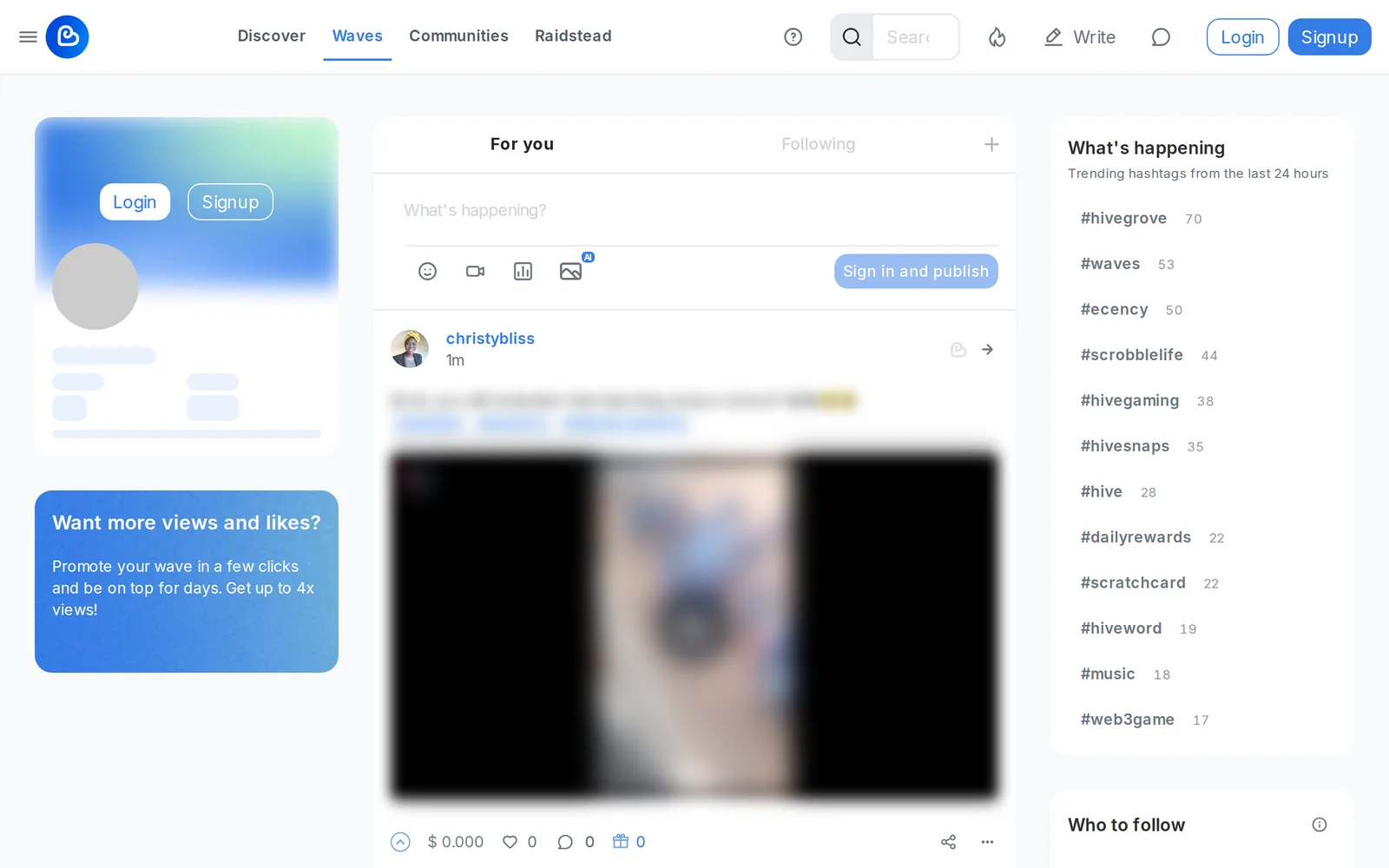
Waves are Ecency’s home for short-form content. Share a quick update, a photo, a link or a poll without writing a full post. Open Waves from the top menu or go to ecency.com/waves.
Post a wave
Section titled “Post a wave”- Open ecency.com/waves and sign in.
- Type your wave in the box at the top. A wave can be up to 250 characters (replies up to 750).
- Add extras from the toolbar if you like (see below).
- Click Publish it!
A wave is a comment on Hive, so it earns the same Ecency Points as a comment, on top of any Hive rewards from votes. Very short waves don’t earn Points. The form tells you when a wave is too short (links don’t count toward the length).
Add hashtags like #photography in your text. Click a hashtag on any wave to see the waves that use it. Check What’s happening for the trending hashtags of the last few hours.
Images, videos and memes
Section titled “Images, videos and memes”Use the toolbar to add an image, upload a short video, create an AI image or make a meme.
Use the poll button to attach a poll to your wave. It works the same way as polls in posts. See Publish.
Reply to a wave
Section titled “Reply to a wave”Click Reply under a wave to answer it. Open a wave to see the full conversation and use Hide replies to fold it again.
Find your own waves
Section titled “Find your own waves”- Web: waves are Hive comments, so yours are in the Comments tab of your profile, between your other comments. Open any of them to see the whole thread.
- Mobile: open your profile and tap the Waves tab.
Feeds and sources
Section titled “Feeds and sources”At the top of the Waves page you can switch between:
- For you: waves from across Hive.
- Following: waves from the people you follow.
- Custom feeds: click Add feed to pin tags or sources (like Threads or Snaps) as extra tabs. They are saved on your device.
Waves gathers short content from several Hive apps into one feed, so you can follow it all in one place:
| Source | From |
|---|---|
| Waves | Ecency. New waves are posted to hive.flow, with ecency.waves as the fallback. |
| Threads | INLEO (leothreads) |
| Snaps | PeakD (peak.snaps) |
| Moments | Liketu (liketu.moments) |
| Shorts | Short videos from across these sources |
The unified feed also includes Liketu Speak voice posts (liketu.speak).
Every wave is a normal Hive comment, so it earns rewards and keeps working in any app that supports these hosts.
Promote a wave
Section titled “Promote a wave”Want more views? You can promote a wave with Points, just like a post. See Boost and promote.
Waves in Decks
Section titled “Waves in Decks”Add a Waves column to your Deck to follow waves next to your other feeds.
Waves mobile app
Section titled “Waves mobile app”Prefer your phone? The Ecency team maintains a dedicated Waves app for Android and iOS. Download it on Google Play or the Apple App Store. You can also post and read waves in the main Ecency mobile app.