
Ecency Points
How Ecency Points work, how to earn or buy them and what you can spend them on.
Ecency Points are Ecency’s reward system for being active. You earn them by using Ecency apps and spend them on in-app services like Promote, Boost+ and AI tools.
Points are managed by Ecency, off-chain. They are not a token on the Hive blockchain and can’t be traded outside Ecency. Transfers between users are still recorded on Hive as a custom_json operation, so they are public.
- EarnPost 15, comment 5, check in 0.25
- adds upBalanceWallet, Points tab
- you chooseSpendPromote, Boost+, AI tools
How to earn Points
Section titled “How to earn Points”You earn Points automatically when you use Ecency on the web or the mobile app:
| Activity | Points |
|---|---|
| Publish a post | 15 |
| Write a comment | 5 |
| Reblog a post | 1 |
| Vote | 0.01 x vote weight (100% vote = 1 Point) |
| First login (one-time bonus) | 10 |
| Check in (stay active in the app) | 0.25 |
| Usage bonus for consistent use | 10 |
| Delegate Hive Power to @ecency | about 100 per day for each 1,000 HP |
| Publish in a registered community with Ecency apps | 20 per post (for the community) |
| Invite friends | Referral reward, see Referral |
Post, comment, reblog and vote rewards get smaller with each repeat on the same day (UTC). After about 4 posts, 15 comments, 20 full-weight votes or 10 reblogs in a day, more of the same earns almost nothing, so steady daily activity earns more than bursts.
Do Points expire?
Section titled “Do Points expire?”No. Points you earn or buy never expire and don’t shrink over time. Your balance only goes down when you spend, send or gift Points.
Why does my daily delegation reward change?
Section titled “Why does my daily delegation reward change?”Delegators get about 100 Points per day for each 1,000 HP delegated to @ecency, credited shortly after 00:00 UTC. The amount moves a little from day to day because the HP value of your delegation is read from the chain each day, and it changes when you change the delegation.
Delegation rewards pause if you haven’t been active on Ecency for 90 days, and start again when you come back. Points you already have are not affected. Activity means earning Points by posting, commenting, voting or other actions, spending Points, or claiming. Passive rewards (delegation, referral and community rewards) don’t count as activity.
Delegators also get a daily share of Ecency’s curation rewards, paid in HIVE. You choose how much of it Ecency keeps as support in Settings.
Other ways to get Points
Section titled “Other ways to get Points”- Daily rewards: complete daily quests, keep a check-in streak and spin the wheel. See Daily rewards.
- Buy Points: by card, with HIVE or HBD, or in the mobile app. See Buy Points.
- Gifts: anyone can send you Points or buy them for you as a gift.
What can I use Points for?
Section titled “What can I use Points for?”| Use | What it does |
|---|---|
| Boost+ | A temporary Hive Power delegation to any account, for more RC and voting influence |
| Promote | Show a post in the Promoted feed and across Ecency |
| RC top-up | A short-term Resource Credits boost so you can keep posting |
| Streak freezes | Protect your check-in streak if you miss a day (300 Points each, free for Ecency Pro) |
| AI assist | Improve, summarize, check grammar, suggest titles and tags (a free use per action each day) |
| AI images | Generate images from a text prompt |
| Listen | Unlock an audio version of a post |
| Gift | Send Points to another user |
Prices for each service are shown in the app before you confirm.
Points can’t be cashed out or sold for money. Spend them inside Ecency, gift them to another user or tip a creator.
Account Boost is different: it is an in-app purchase in the mobile app and doesn’t use Points. Extra daily spins are also bought in the mobile app. See Boost and promote.
Check your balance
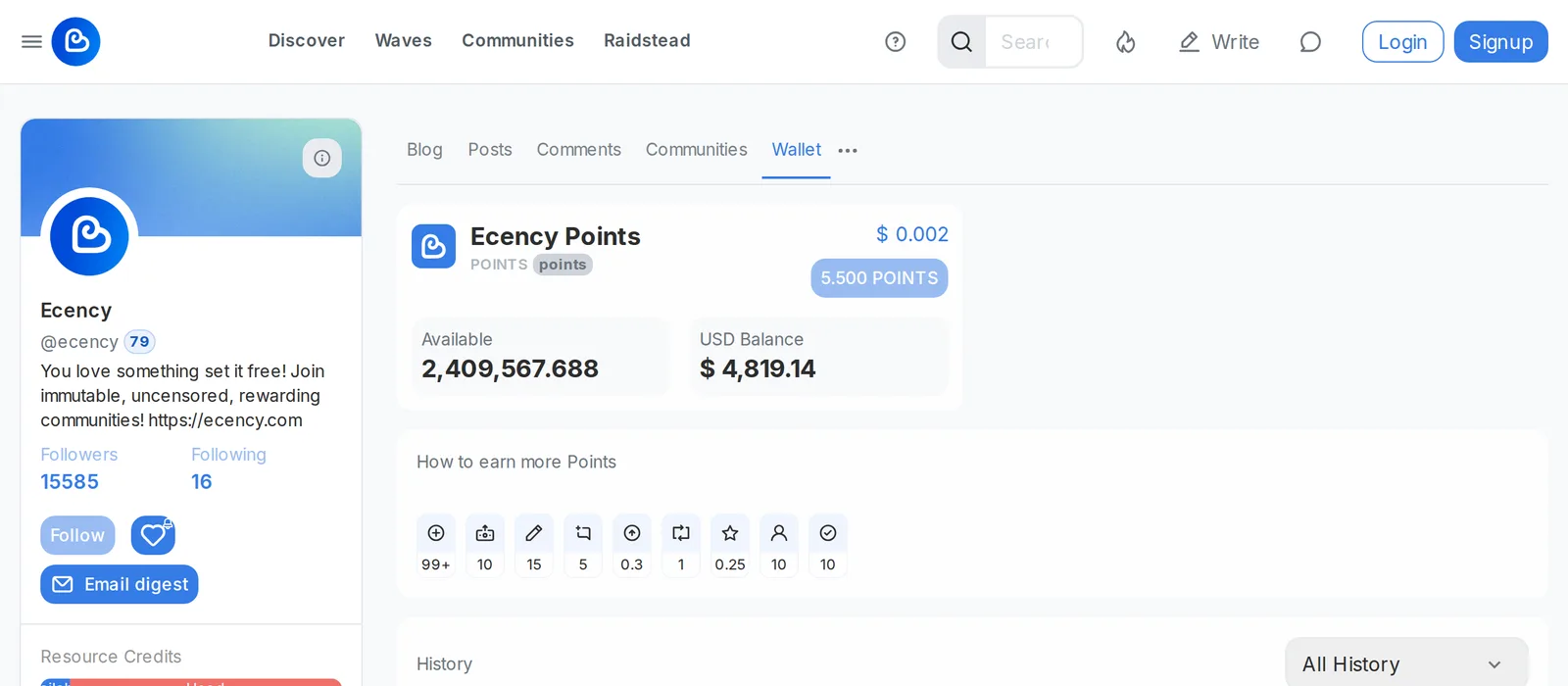
Section titled “Check your balance”- Open Ecency on the web or in the mobile app.
- Go to your Wallet.
- Open Points to see your balance and history.
Send Points to someone
Section titled “Send Points to someone”- Open your Wallet and select Points.
- Choose Gift.
- Enter the recipient, the amount and an optional memo, then confirm.
To pay by card for Points that go straight to someone else, use Gift Points on the Perks page.