
Hive communities
Learn how Hive communities work, how to post and cross-post in them and what each role can do.
Hive communities are topic, journal and council based groups where users can publish content, connect and moderate discussions. Communities create smaller ecosystems within Hive for specific interests like photography, crypto, fitness or parenting.
Why use communities?
Section titled “Why use communities?”- Targeted audience for your content
- Custom rules and moderation
- Better content discovery
- Build niche-focused followings
Communities are optional, but highly recommended for finding your tribe.
Types of communities
Section titled “Types of communities”Every community is public to read. What changes between types is who can post and comment:
- Topic: anyone can post or comment.
- Journal: only members can post. Guests can comment.
- Council: only members can post or comment.
How to post in a community
Section titled “How to post in a community”- On Ecency, start a new post.
- Choose the community you want to post in.
- Write your post and publish.
You can also open a community page and create a post from there.
Your post will appear:
- In the community feed
- On the Posts tab of your profile
- In search and discovery
Community posts don’t appear on your blog automatically. To share one with your followers, turn on the Reblog toggle when you publish. See reblog.
Cross-post to another community
Section titled “Cross-post to another community”You can share a community post in another community you are subscribed to:
- Open the post and open its menu.
- Choose Cross post.
- Pick one of the communities you are subscribed to and add a short message.
- Click Confirm.
Earnings are automatically declined for cross posts. Discussions under a cross post follow the host community’s rules.
Community roles
Section titled “Community roles”Each community has an owner (the community account itself), admins, moderators, members and guests. Admins manage settings and moderators, while moderators pin and mute posts and set user roles. Members can post in journals and councils. Guests can post and comment in topics unless they are muted. For the full role table and how to assign roles on Ecency, see moderate a community.
Some communities auto-moderate with posting guidelines or curation queues. If you run a community, see moderate a community and create a community. Community owners can also set a custom beneficiary.
Where to find communities
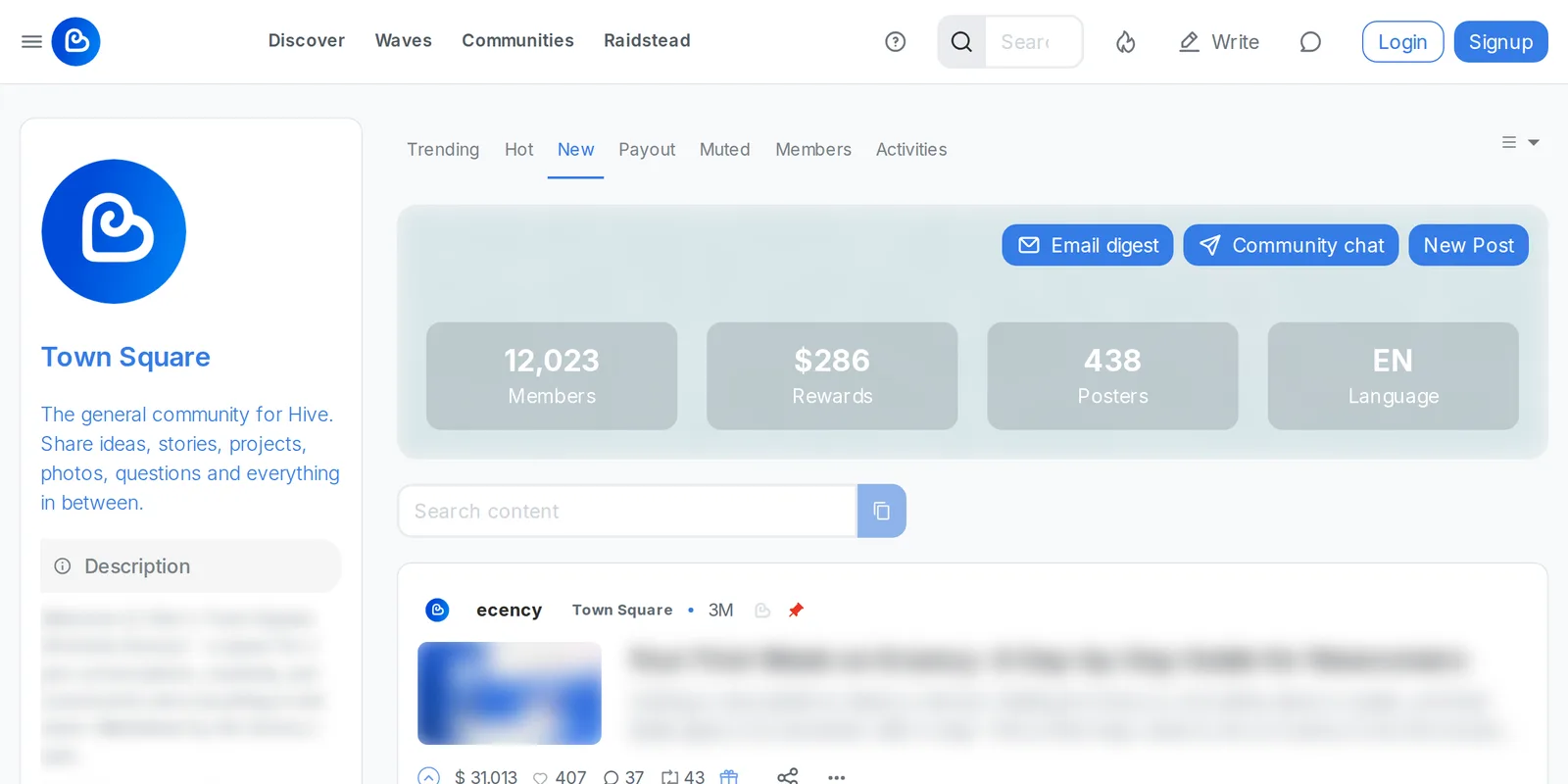
Section titled “Where to find communities”- Ecency Communities
- Join directly via links on community posts
- Read community rules before posting
- Engage with other posts. Comments and votes matter.
- Support your favorite communities by voting on their posts
Summary
Section titled “Summary”- Communities help organize content by interest
- Join and post to relevant groups to increase visibility
- Most Hive frontends support communities